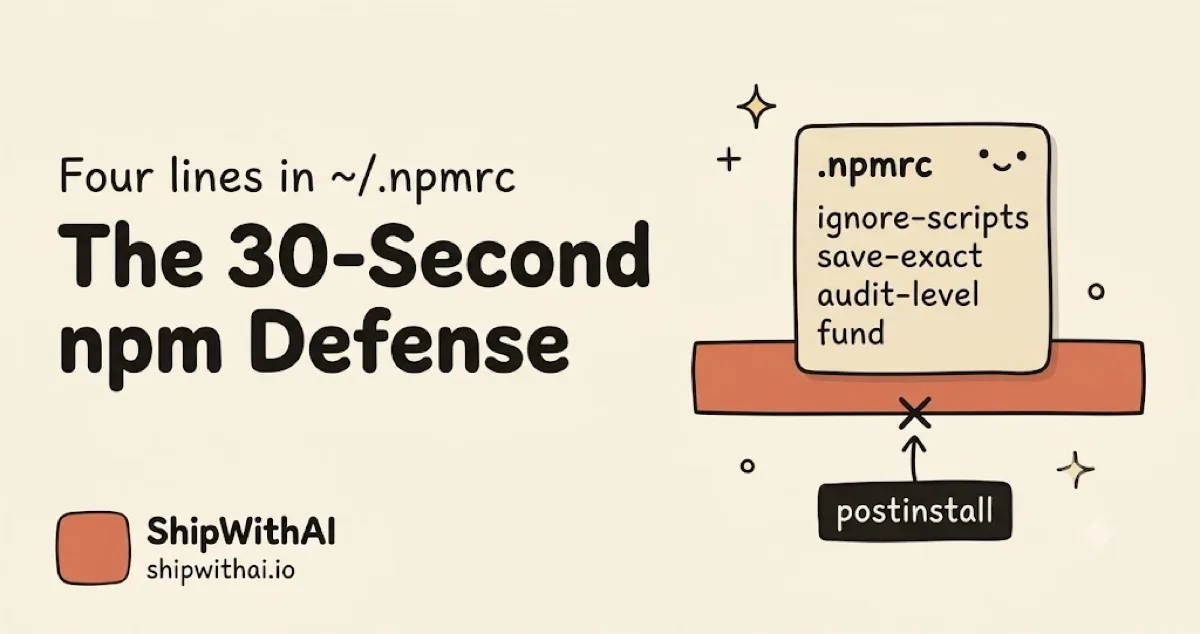
TL;DR — Four lines in
~/.npmrcblock the most common npm supply chain attacks before they execute. Setup takes 30 seconds. This is the bare-minimum defense for anyone letting Claude Code or Cursor runnpm installon their machine. Jump to the config →
📊 What you get from these four lines:
- Blocks the
postinstallRAT (remote access trojan) vector used in axios@1.14.1, Shai-Hulud, and ua-parser-js- Pins exact versions so a hijacked patch release cannot slide in silently
- Fails
npm installloud on known CVEs instead of burying them in output- Applies to every project on your machine, without committing anything
🔒 These four lines are on my laptop right now. I added them the morning the axios news broke and forgot about them. Since then, every
npm installClaude Code has run on my machine, across five side projects, has skipped lifecycle scripts by default. Zero breakage. Zero effort.
Here’s the config. Copy it into ~/.npmrc right now:
ignore-scripts=truesave-exact=trueaudit-level=moderatefund=falseIn 2025, attackers published 454,648 malicious npm packages, a roughly half-million count in a single year (Sonatype Open Source Malware Index, 2026). Four lines above block the most common payload mechanism (lifecycle scripts) for every project on your laptop, including whatever Claude Code ran at 2am last night.
This is the npm install security floor. If you run an AI coding tool that calls npm install on your behalf, read the hook-based upgrade next. But first, do these four lines. They take 30 seconds.
Why is your default npm setup unsafe in 2026?
npm ships with lifecycle scripts enabled by default. That means any package, direct or transitive, can execute arbitrary code on your machine during npm install before you ever type require(). Over 99% of all open source malware now targets npm, making it the most heavily attacked open source ecosystem (Sonatype, 2026).
Here’s the compressed history of that same attack pattern:
| Year | Incident | Payload vector |
|---|---|---|
| 2018 | event-stream (Bitcoin wallet stealer, 2M/wk) | postinstall |
| 2025 Sep | Shai-Hulud worm, 18 packages, 2.6B/wk downloads | postinstall |
| 2026 Mar | axios@1.14.1 RAT, 100M/wk downloads | postinstall |
Three incidents across eight years. Same mechanism every time. npm’s official response each time is to unpublish the package and write a blog post. No structural change to how postinstall works.
The uncomfortable part: 84% of developers are using or plan to use AI coding tools, and 41% of code written in 2025 was AI-generated or AI-assisted (Stack Overflow 2025 Developer Survey). AI agents install packages at machine speed, with approval fatigue doing the rest. The human review step that used to catch weird dependencies has already been deleted from most workflows.
What four lines of .npmrc give you npm install security in 30 seconds?
Four user-scoped lines in ~/.npmrc. They apply to every project on your machine without committing anything, without touching a repo, and without asking permission from a teammate. OWASP’s NPM Security Cheat Sheet lists three of the four as baseline hardening recommendations (OWASP, 2026). Each line targets a distinct attack class.
ignore-scripts=truesave-exact=trueaudit-level=moderatefund=falseignore-scripts=true
Disables preinstall, install, and postinstall lifecycle scripts for every npm install. The OWASP NPM Security Cheat Sheet calls this the single most effective mitigation against malicious or compromised packages (OWASP, 2026). The axios@1.14.1 RAT, the Shai-Hulud worm, event-stream’s Bitcoin stealer, all needed this mechanism to execute. Turn it off globally and the default delivery vehicle is gone.
save-exact=true
Pins exact versions in package.json whenever you add a package. Without it, npm install axios writes "axios": "^1.14.0", a caret range that resolves to 1.14.1 on the next clean install. With save-exact=true, the same command writes "axios": "1.14.0". A hijacked patch release cannot silently promote itself into your lockfile.
audit-level=moderate
Raises npm install exit code when known CVEs of moderate or higher severity are present. Default behavior is warn-only. This flag makes audit block instead, which means the CI or Claude Code session fails loud rather than scrolling past. Set it to high if moderate produces too much noise on legacy projects.
fund=false
Removes the “N packages are looking for funding” message from every install. Cosmetic, but it matters. When your install output is 80% funding notices, the warnings that actually matter (audit, deprecation, peer dependency conflicts) get buried. Signal hygiene is a security layer.
Verify your config after saving:
npm config get ignore-scripts save-exact audit-level fundExpected output: true, true, moderate, false. If any line reads differently, re-check your ~/.npmrc location. macOS and Linux: ~/.npmrc. Windows: %USERPROFILE%\.npmrc.
Why does this work for most npm attacks?
The dominant payload pattern in 2025 and 2026 npm attacks (axios, Shai-Hulud, event-stream, ua-parser-js) is a lifecycle script that runs during install. Disabling those scripts breaks the default delivery vehicle. Here’s the explicit mapping between the four lines and the attack classes they block:
| Attack vector | Real example | Line that blocks it |
|---|---|---|
| postinstall RAT | axios@1.14.1 (2026) | ignore-scripts=true |
| Silent minor/patch hijack | Maintainer account takeover | save-exact=true |
| Known CVE buried as warning | Any reported advisory | audit-level=moderate |
| Warning fatigue hiding alerts | Every install, all day | fund=false |
The “80%” in the headline is the rough share of high-impact incidents this combo would have stopped on a developer laptop. It is not defense-in-depth. It is the floor.
What does this NOT protect against?
Honest boundaries. This config blocks the most common vector, not every vector. A developer who applies these four lines and assumes they are done is building the same overconfidence trap that every “3 layers of defense” post gets bitten by (I Set Up 3 Layers of Defense). Here’s what you are still exposed to:
- Malicious code in the package’s main module. Anything that runs on
require()orimportis unaffected byignore-scripts. If the package is actively imported by your code, the payload runs at runtime. - Toolchain exploits.
--ignore-scriptsstops npm lifecycle hooks, but git still runs during install, and external binaries still execute if the install process invokes them (Thinking Through Code, 2026). - Typosquatting and slopsquatting. AI assistants sometimes hallucinate package names that attackers have preemptively registered. OWASP flags this as the fastest-growing npm attack class in 2026.
- Credentials already stolen. If your npm token, GitHub PAT, or cloud credentials leaked before this config existed, rotating them is on you.
- Packages already in
node_modules. The four lines only protect future installs. Clean rebuild recommended:rm -rf node_modules package-lock.json && npm install.
If this list makes you nervous, good. The next layer is process-level enforcement. That’s the next post.
What breaks when you set ignore-scripts=true?
A small set of packages genuinely need lifecycle scripts to compile native binaries or download platform assets. The usual suspects are bcrypt, node-sass, sharp, esbuild, puppeteer, and canvas (Liran Tal, nodejs-security.com, 2025). You will notice immediately because they fail loud, not silent, which is exactly the visibility you want.
Fix per-package:
# Install normally, then rebuild the one package that needs itnpm install sharpnpm rebuild sharpFor projects with multiple native-compile dependencies, use an allow-list instead of re-enabling scripts globally. @lavamoat/allow-scripts lets you enumerate trusted packages:
npm install --save-dev @lavamoat/allow-scriptsnpx allow-scripts autonpx allow-scriptsKnown packages that typically need npm rebuild after installation:
| Package | Why it needs scripts |
|---|---|
bcrypt | Native C++ compilation |
sharp | Binary download + native bindings |
node-sass | LibSass native build |
esbuild | Platform binary download |
puppeteer | Chromium download |
canvas | Cairo/Pango native bindings |
Ninety percent of projects never hit any of these. The ones that do fail on the first CI run after the config change, and you fix them once.
Upgrading to hook-based defense
~/.npmrc is the user-scoped floor. The next layer is process-level enforcement: intercepting every npm install Claude Code tries to run, auditing it before the command executes, and blocking the call if it’s missing --ignore-scripts or pointing at a new unreviewed dependency. With 41% of all code in 2025 now AI-generated or AI-assisted (Stack Overflow, 2025), the agent, not the human, is the primary npm install trigger. That’s a PreToolUse hook (a Claude Code lifecycle hook that runs before every tool call) in .claude/settings.json.
The hook post covers the three-layer setup: PreToolUse audit, PostToolUse lockfile diff, and CLAUDE.md enforcement rules. Setup is five minutes. If you’re already running Claude Code in auto-accept mode, this is the safety net you want.
Get weekly Claude Code security tips — One email per week. Hooks, CLAUDE.md patterns, and real attack breakdowns. Subscribe to AI Developer Weekly →
Try it now: Open a terminal and run
echo -e "ignore-scripts=true\nsave-exact=true\naudit-level=moderate\nfund=false" >> ~/.npmrc, then verify withnpm config get ignore-scripts save-exact audit-level fund. Total time: under 30 seconds. The nextnpm installon your machine, in any project, will use the new defaults.
Ready for the process-level defense? Read → Stop npm Supply Chain Attacks with Claude Code Hooks.
Want the next three npm hardening posts in your inbox? One email per week, security-focused. Join AI Developer Weekly →
FAQ
Will ignore-scripts=true break my builds?
Usually no for pure-JavaScript dependencies, which is 90%+ of a typical React or Node project. Yes for native-compile packages like bcrypt, sharp, and esbuild. Fix is npm rebuild <pkg> per package or @lavamoat/allow-scripts for a team-wide allow-list. Most solo devs never hit a broken build.
Should I commit .npmrc to my repo?
Personal config goes in ~/.npmrc (never committed, user defaults). Project-level .npmrc at the repo root can be committed as long as it contains no secrets, so teammates inherit the same defaults. Registry auth tokens belong only in ~/.npmrc, never in the repo.
What about esbuild, sharp, and other native packages?
They need their postinstall to compile or download binaries. Three options: (1) npm rebuild <pkg> after each install, (2) allow-list via @lavamoat/allow-scripts, (3) pin the package with save-exact=true and review before each upgrade. Option 1 is the default for solo projects. Option 2 scales to teams.
Does this work for pnpm and yarn?
.npmrc is shared. pnpm reads ignore-scripts=true natively. Yarn classic also reads .npmrc. Yarn Berry uses .yarnrc.yml instead, and the equivalent setting is enableScripts: false. Bun also honors .npmrc via its pm config.
Is npm audit still useful if I set audit-level=moderate?
Yes, and it becomes more useful. The flag changes audit from warn-mode to block-mode on CVEs at moderate severity or higher. Known CVEs fail the install loudly. Audit still only catches published CVEs. For zero-days, you need the hook layer from the hooks post.
What to Read Next
- Stop npm Supply Chain Attacks with Claude Code Hooks — The process-level upgrade. PreToolUse hook blocks
npm installwithout--ignore-scripts, lockfile diff catches new transitive deps, CLAUDE.md enforces version pinning. - How I Protect Sensitive Code While Using Claude Code on Real Projects — Four strategies for keeping secrets out of Claude Code’s context on real repos, including
.claudeignoreand git worktree isolation. - I Set Up 3 Layers of Defense in Claude Code. It Deleted My File Anyway. — The layered-defense failure mode this post is trying to avoid. Test the common case, not just the worst case.


