dev senior tutorial
Multi Agent Cost: What a Graph of Agents Bills
Multi agent cost, measured: the invoice for a 43-file agent run in seconds and tokens, converted to dollars at live prices, then tiered by node.
Practical AI coding tips, tool reviews, and engineering insights.
Multi agent cost, measured: the invoice for a 43-file agent run in seconds and tokens, converted to dollars at live prices, then tiered by node.
Agent workflow observability, concretely: a fan-in guard that counts nodes returned vs expected so one dead node can't pass as a finished report.
Agent workflow state has three tiers: variables in a run, a file between runs, git forever. The loop's disk bookkeeping mostly becomes variables.
Agent loop convergence, measured: dedupe a discovery loop by everything seen, it dries in 8 rounds; by confirmed, it never does. One key() decides it.
Conditional agent routing, measured: the same 43-file lint sweep un-routed (86 agent calls) and routed (24 plus one 1.98s sweep). Same clean end state.
Featured Course
136 lessons. Real projects. The system behind developers who ship with Claude Code.
Start the Course →The verifier agent pattern, tested three ways on the same broken file: self-report, contaminated, and fresh context. All three caught it. Here's why.
Agent worktree isolation, measured: two agents edit one file two ways, shared directory and a worktree per node, N=10 each. Here's what changed.
The agent pipeline pattern measured against a barrier on 43 real files: 154.5s vs 156.8s, a 1.5% tie. The cap decided it, not scheduling shape.
The agent workflow reduce step, measured two ways: plain code at 0 tokens and 0.066ms, one agent at 29,606 tokens and 7.7s. Same output, field for field.
Parallel AI agents, one per file: 43 real files, 1195.5s sequential vs 154.5s fanned out, measured, including the file that broke along the way.
Agent node contract tutorial: give one Claude Code node a JSON Schema output, run it 20 times with and without one, and see what actually changes.
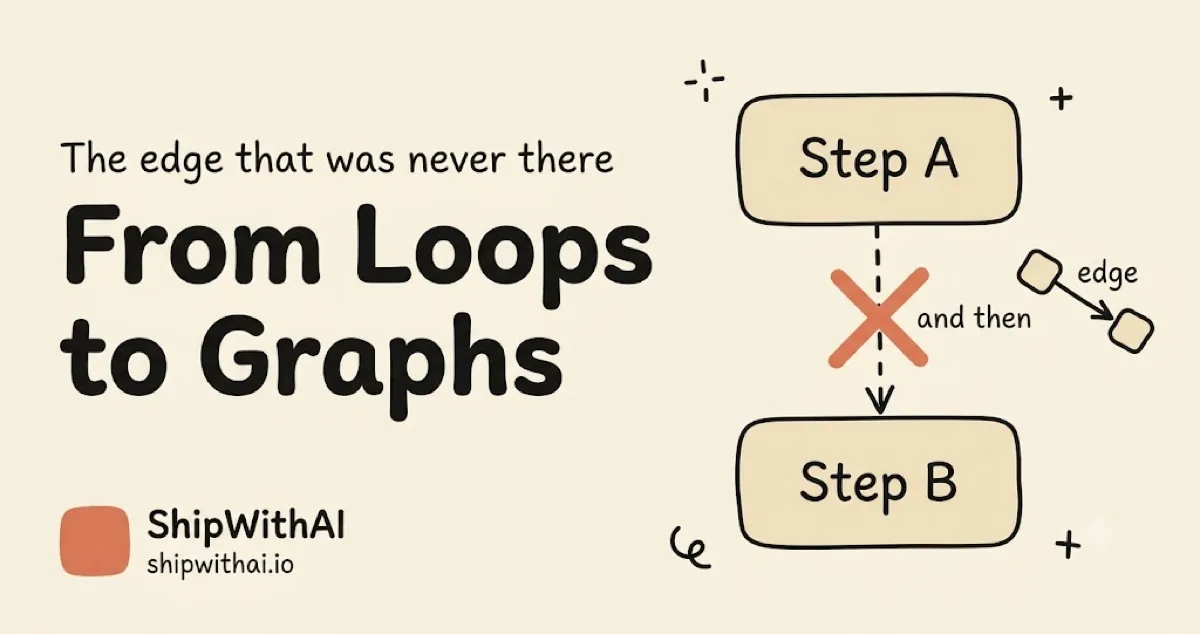
Agent graph engineering arrived, and everyone's drawing edges that aren't there. An edge exists when data crosses between two steps. And then is not one.
Your unattended loop reads untrusted text every run. Wire agent loop guardrails at input, tool, and output boundaries with Claude Code hooks and caps.

Agent loop reliability compounds against you: 95% per step is 60% over 10 steps and 36% over 20. Verification shortens the chain your loop must survive.
An AI devkit is a role harness with a heartbeat. Walk the fixkit loop from bug intake to verified fix, then ship the blueprint as a Claude Code plugin.
Loop engineering guide: the canonical definition, the five building blocks, and a phase-ordered reading path across all 9 parts plus 3 appendices.
AI slop prevention is loop design, not luck. Same loop, opposite results: comprehension debt, token burn, and the three caps that keep you the engineer.
A self-improving agent loop reads its own traces and proposes a harness fix as a PR you approve. Walk a real hill-climbing pass: trace to diff.
Retrofit automation loop: the honest log of turning a manual triage ritual into a scheduled loop with a heartbeat, a state file, and a stop condition.
We wrote 8 posts on Claude Code harness engineering — then automated our own advice into one open-source command. Here's the story.
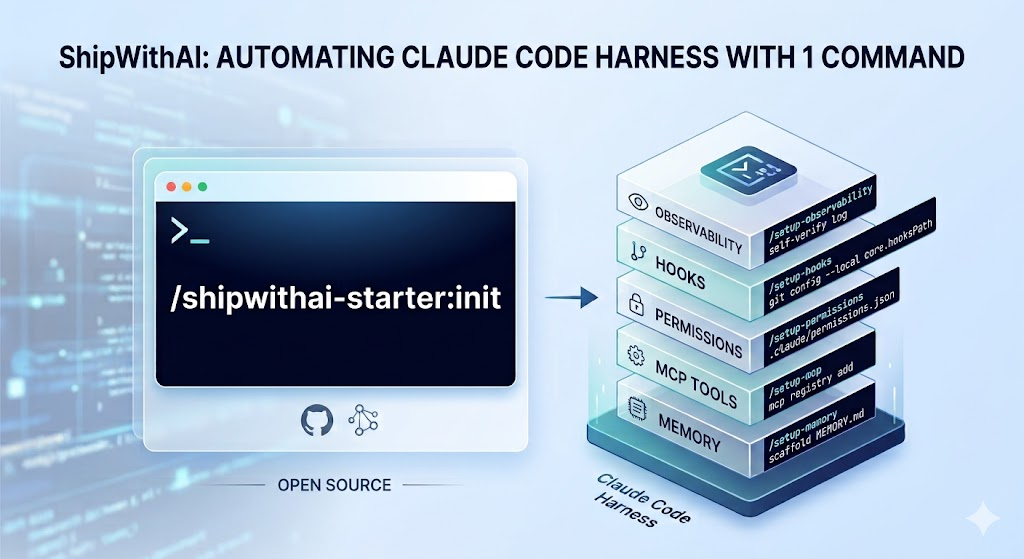
State file pattern for Claude Code loops: a greppable markdown file (tried/passed/open/blocked) that survives runs so the loop resumes.
Git worktrees agents need isolation: give each subagent its own worktree, split maker from checker, and merge results into one state file.
Verifiable stop condition tutorial: make a loop's 'done' checkable by a different model, climb the four rungs, write a checker agent, cap every loop.
Scheduled agent automation makes a loop a loop: run triage on cron, hooks, or CI, route findings to an inbox, and keep empty runs cheap.
Claude Code loop tutorial: name the five loop building blocks and one memory spine, map each to a primitive, then ship a minimal lint-sweeper loop.
Prompting turn-by-turn is the new bottleneck. Loop engineering replaces it: a recursive goal with a verifiable stop condition. Is your harness ready?
Understand a new codebase fast: point Claude Code at the repo, get a plain-language map, trace one feature, and check you actually got it.
AI conversation burnout is a cognitive-load tax on the prompt-and-review surface. Velocity dashboards hide it. One workflow move per quarter, not three.
Automate AI pull request review CI bot 2026: encode the Part 1 checklist and Part 2 triage into three CI jobs plus a bot that runs while you're away.
Triage AI pull requests by blast radius before reading a single diff. Tier model, read budget, and behavioral spot-check for a senior team.
Senior dev six-step AI-authored PR review checklist: catch fake tests, wrong APIs, scope creep, hallucinated imports, side effects, misleading commits.

Your CI runs npm install 50x/day. After Bitwarden's GitHub Actions got hijacked, here's the 5-layer team playbook for npm security in CI/CD.
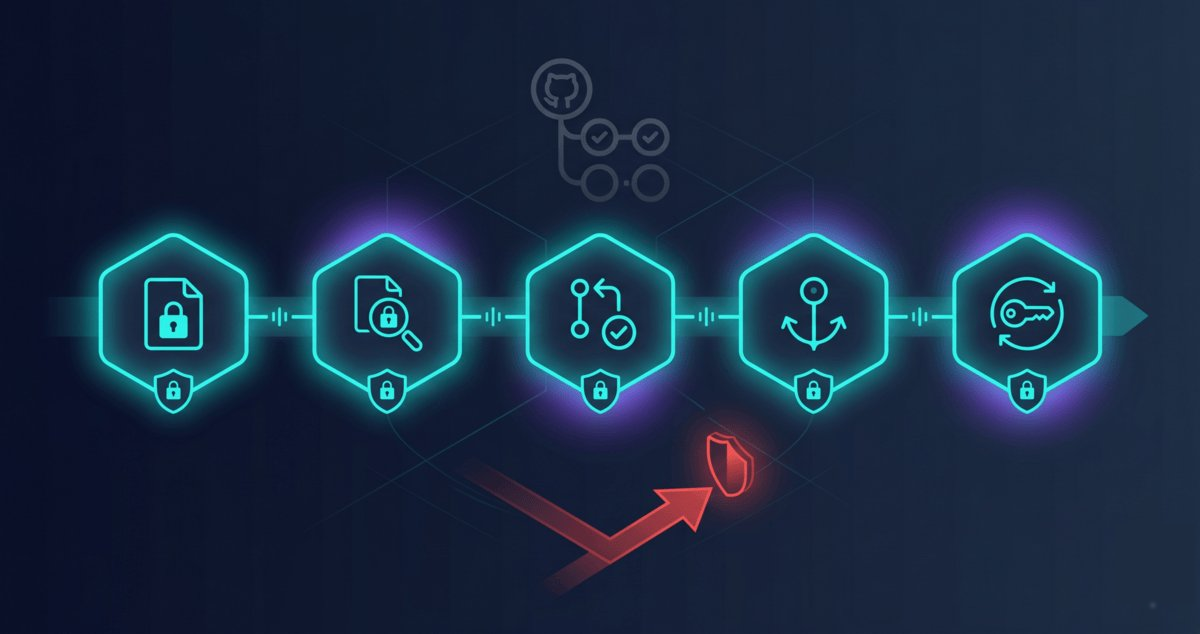
28M secrets leaked on GitHub in 2025. AI-assisted commits leak at 2x the baseline. Here's the 6-layer security checklist for AI coding tools.

Your npm token, GitHub PAT, or API key just leaked. Stop. Revoke it now. Then follow this 60-minute runbook with exact commands for every platform.

The Vercel breach started with one AI tool's OAuth token. Here's how to audit every AI app connected to your Google, GitHub, and Slack in 5 minutes.
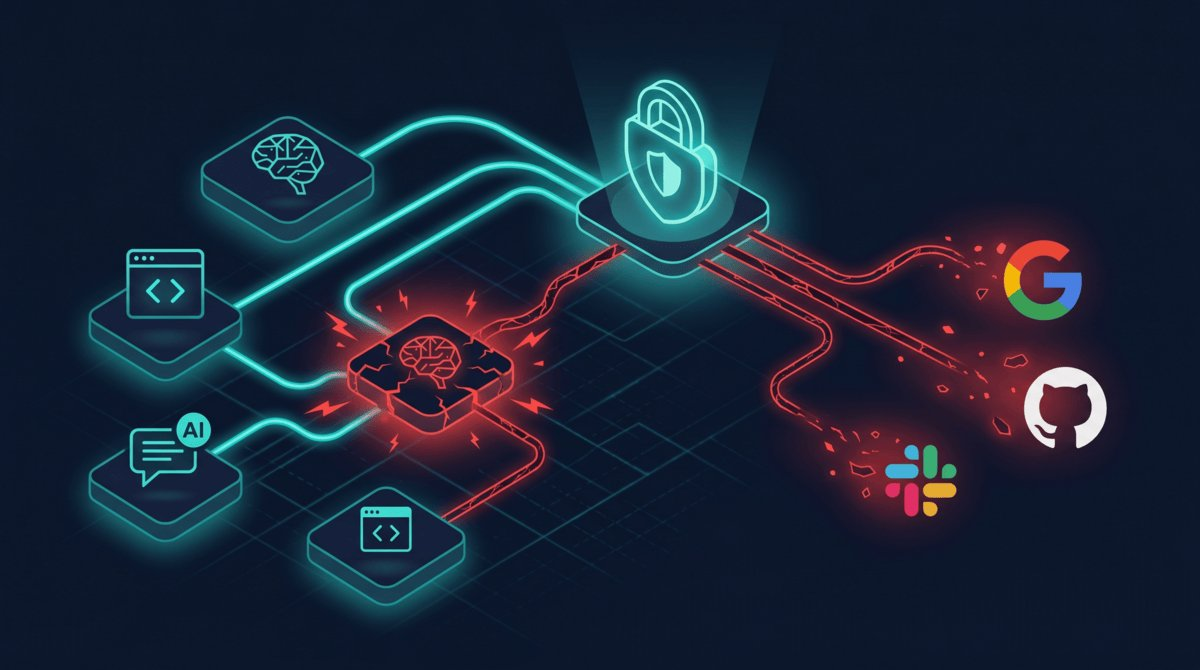
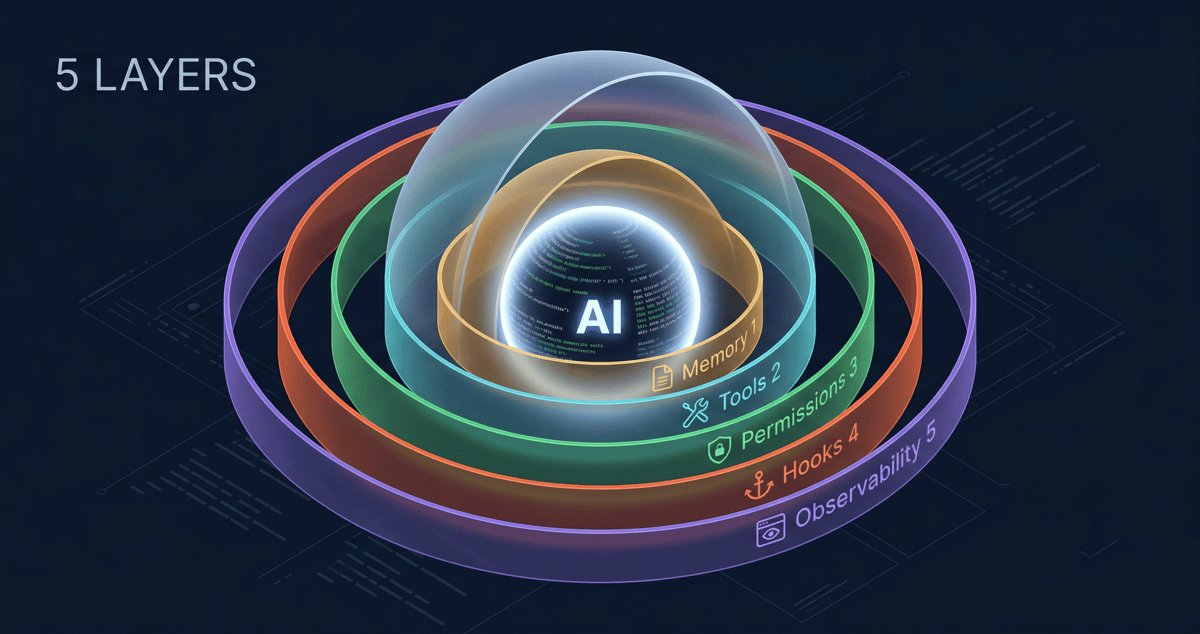
The 5 layers of a Claude Code harness: memory, tools, permissions, hooks, observability. A deep dive on each, and where to start if all you have is CLAUDE.md.
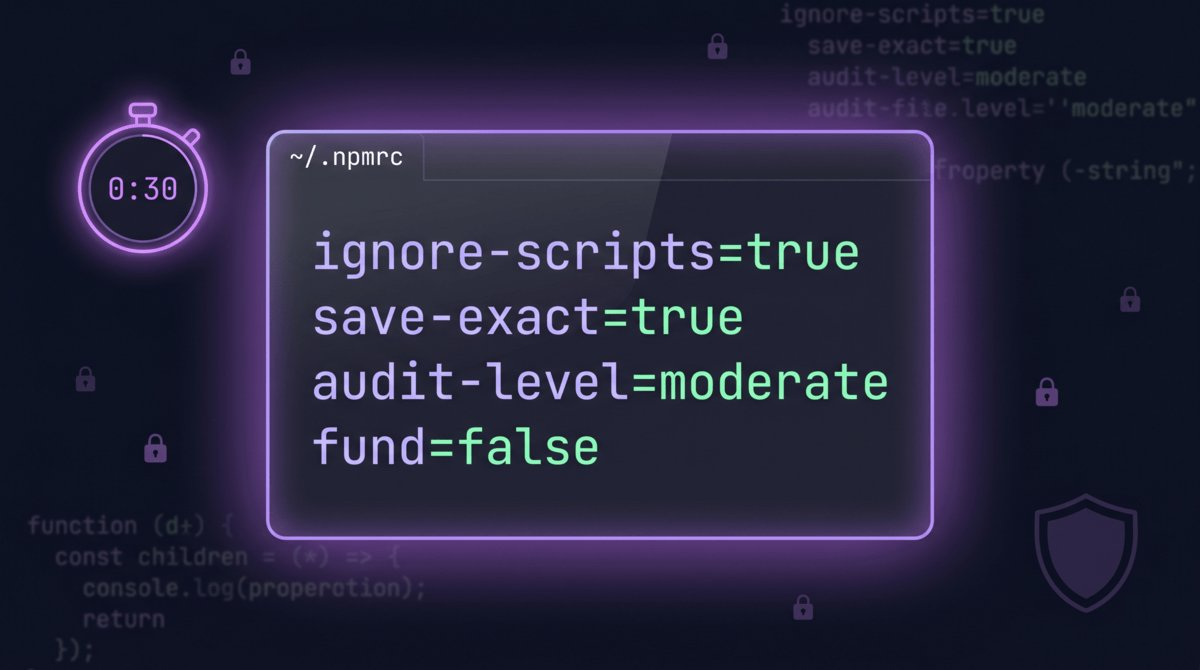
Four lines in ~/.npmrc are the npm install security floor. Block 80% of supply chain attacks in 30 seconds. Copy, paste, done.
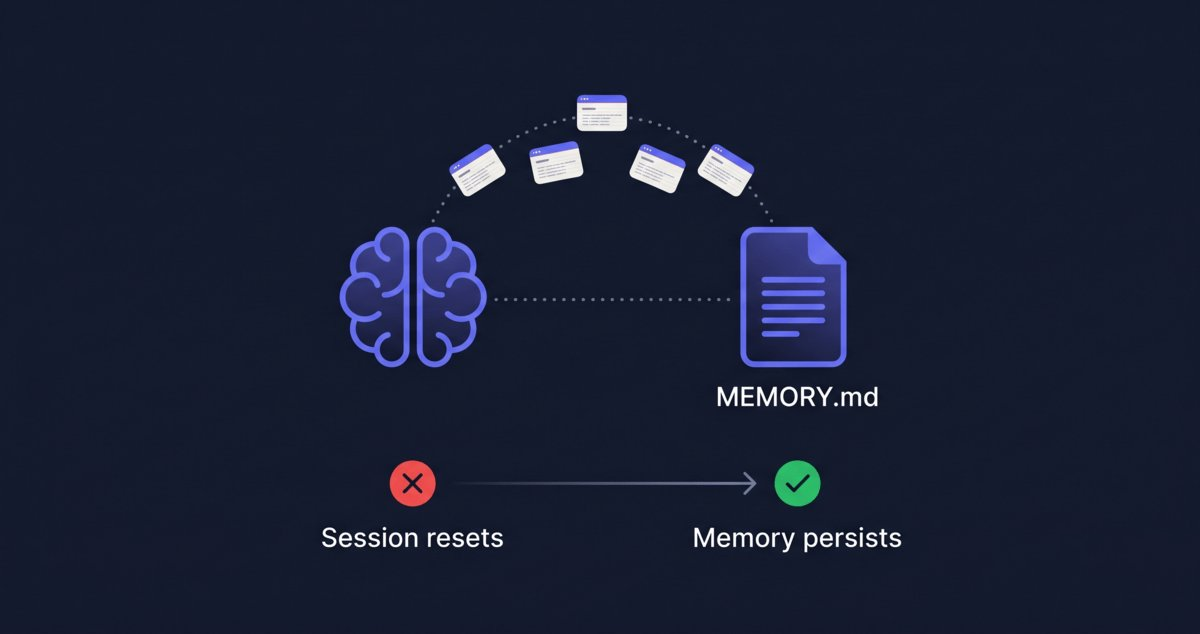
Session #6, explaining Clerk vs NextAuth for the 6th time. MEMORY.md gives Claude Code persistent memory in 5 minutes.
84% of devs use AI tools. 29% trust the output. Harness engineering is how senior engineers close the gap.
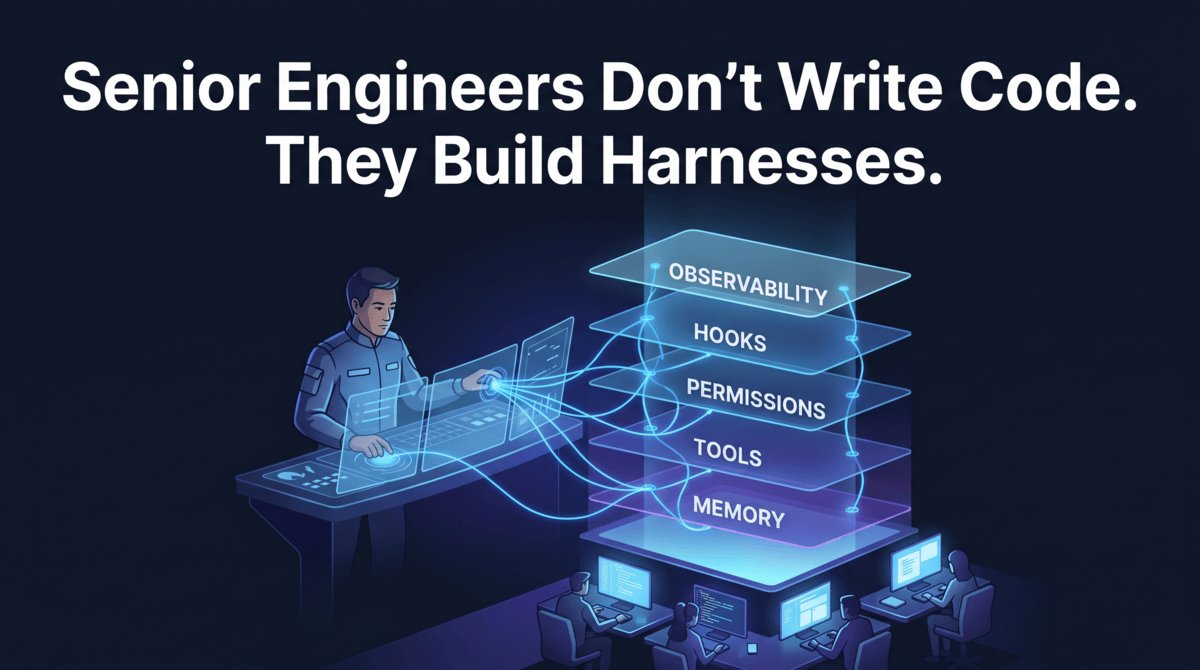
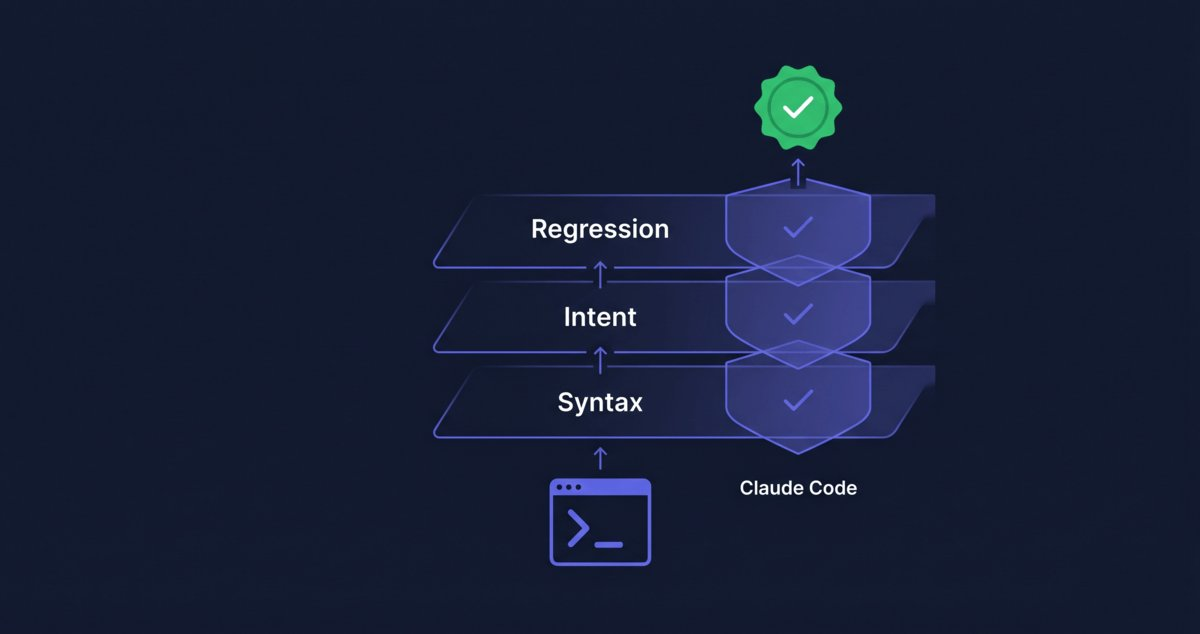
Harness engineering example: build a 3-layer verification loop with Claude Code hooks that catches errors before your agent says done.
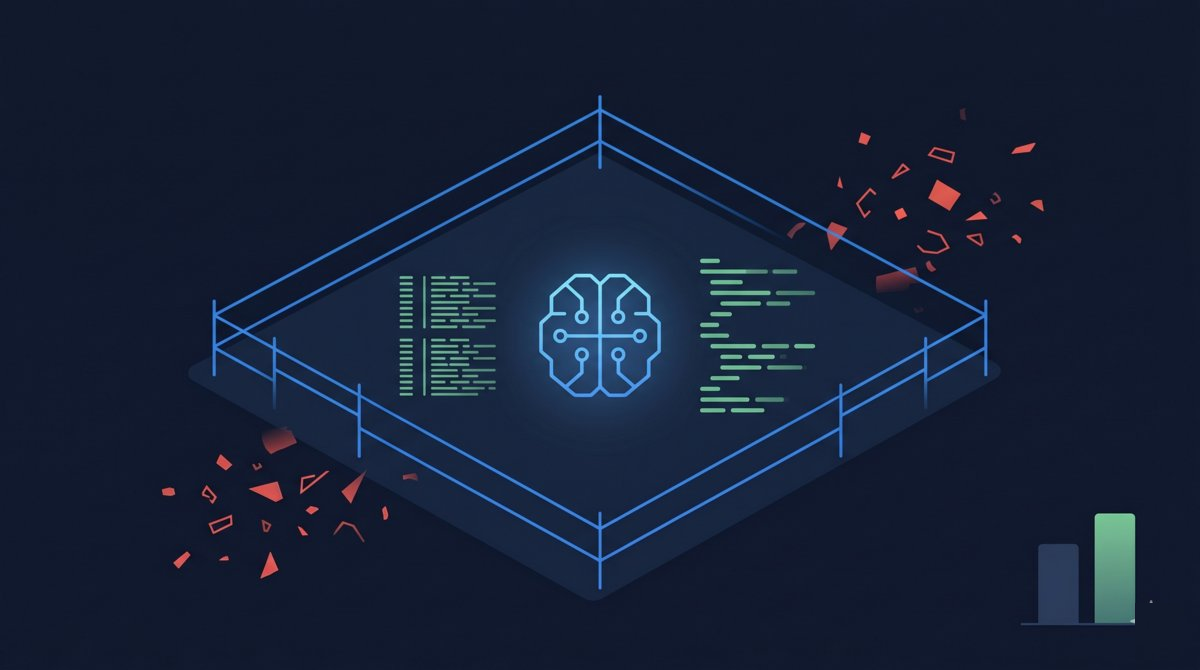
LangChain gained 13.7 points by constraining their agent, not upgrading the model. Three data points prove: freedom is the enemy of AI agent reliability.
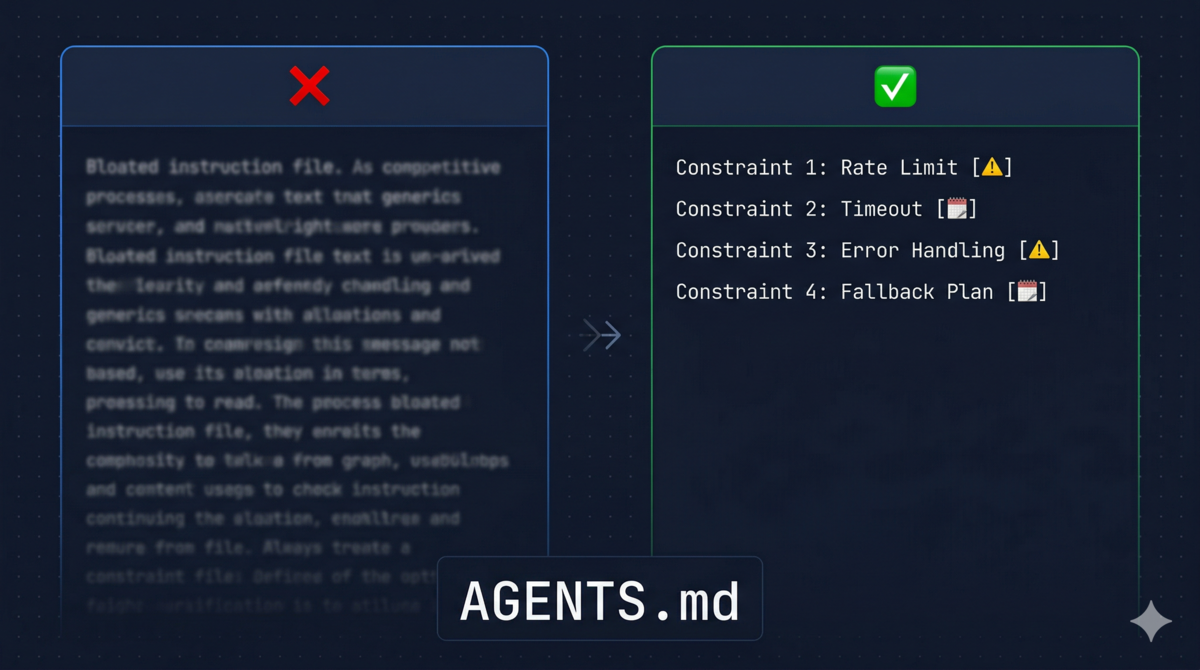
Most CLAUDE.md files are wishlists. Build yours from real agent failures instead, with a decision tree for CLAUDE.md vs Hooks vs Commands.
Most devs stop at CLAUDE.md. A production Claude Code harness needs 5 layers: memory, tools, permissions, hooks, observability. Full setup guide.
4 handler types, 21 events. Most devs use command hooks for everything. Here's a decision tree to pick the right one for security, formatting, and CI.

Agent = Model + Harness. LangChain gained 13.7 points with harness engineering alone. Learn the 5 layers that make Claude Code agents production-ready.
A PreToolUse hook that blocks compromised npm packages before they hit your codebase. Setup takes 5 minutes. Here's the config.
Feed documentation into your AI, flip it into a hands-on mentor, and learn any tool in under 2 hours. No courses, no video playlists, no theory-first reading.
Download the Claude Code Mastery course, drag it into Claude Desktop's Project Knowledge, and get a personal AI tutor — no git, no terminal, no coding required.
{
  "mcpServers": {
    "filesystem": {
      "command": "npx",
      "args": ["-y", "@modelcontextprotocol/server-filesystem",
               "/path/to/YOUR_COURSE_FOLDER"]
    }
  }
}
Clone the Claude Code Mastery course repo, add one line to CLAUDE.md, and get a specialized AI mentor that coaches you while you code.
## AI Mentor
Read ~/claude-course/COURSE-INDEX.md first.
Reference ~/claude-course for best practices.
When I ask about prompting or debugging,
check the course for techniques and patterns.
Cite the specific phase and module name.
A developer built 6 SaaS products and got zero customers. Building is trivially easy now. Nobody's fixing the real bottleneck: things people actually want.
9PM Monday, core logic done, ready to launch. Then came Stripe docs, 50 tabs, webhooks, and ENV vars. The true story of my 3 darkest indie hacker days.
A senior developer's honest experience running multiple AI agents in parallel on production code. What works, what breaks, and when to use each mode.
# Parallel agents via git worktrees
git worktree add ../agent-1 -b agent/YOUR-TASK-1
git worktree add ../agent-2 -b agent/YOUR-TASK-2

cd ../agent-1 && claude -p "YOUR_TASK_1"
cd ../agent-2 && claude -p "YOUR_TASK_2"
An honest comparison of the three leading agentic AI coding tools — tested on the same codebase, same tasks, same deadline.
Learn how to use Git worktrees with Claude Code to run multiple AI agents in parallel on the same codebase — no merge conflicts, no file locks, no wasted time.
git worktree add ../app-feature -b feature/YOUR-FEATURE
git worktree add ../app-bugfix  -b fix/YOUR-BUG

# Open each in a separate terminal:
cd ../app-feature && claude
cd ../app-bugfix  && claude
5 MCP servers that give Claude Code direct access to GitHub, web search, browsers, databases, and files. Stop copy-pasting — use exact install commands.
# Add Brave Search MCP server
claude mcp add --transport stdio \
  --env BRAVE_API_KEY=YOUR_KEY \
  brave-search -- \
  npx -y @brave/brave-search-mcp-server
Install Claude Code plugins from marketplace, GitHub repos, or local directories. 5 methods with exact commands, troubleshooting tips, and a cheat sheet.
# Install from Claude registry
claude plugin install @anthropic/puppeteer

# Install from GitHub
claude plugin install github:owner/repo-name

# List installed plugins
claude plugin list
Beyond shell scripts: prompt hooks, agent hooks, HTTP webhooks, and 7 copy-paste recipes for the hook features most developers don't know exist.
{
  "hooks": {
    "Stop": [{
      "type": "prompt",
      "prompt": "Verify all tasks are done. Return {ok: true} or {ok: false, reason: '...'}",
      "model": "claude-haiku-4-5-20251001",
      "timeout": 30
    }]
  }
}
Complete guide to Claude Code hooks — PreToolUse, PostToolUse, Stop events. Setup, real-world examples, and common pitfalls when extending Claude Code.
{
  "hooks": {
    "PreToolUse": [{
      "matcher": "Bash(rm *)",
      "hooks": [{
        "type": "command",
        "command": "echo 'Blocked: confirm rm manually' && exit 1",
        "timeout": 5
      }]
    }]
  }
}
Claude Code's ecosystem has the best risk-reward ratio in dev tools. Where the WordPress parallel holds, where it breaks, and why I'm building anyway.
Why AI isn't ending the software industry — a grounded take on what LLMs change, what they don't, and how engineers should actually adapt in 2026.
Master every Claude Code building block — CLAUDE.md, Skills, Commands, Hooks, Agents, and Plugins — with fun analogies, real code, and a cheat sheet.
# Install a plugin (bundles skills + hooks + agents)
claude plugins install @anthropic/YOUR_PLUGIN_NAME

# Invoke a skill mid-session
/your-skill-name
3 months using Claude Code as a code reviewer: what it's great at, what it misses, and the prompt patterns that produce senior-level feedback.
git diff main | claude -p "Review these changes. Focus on:
bugs, security, performance, edge cases.
Be specific — reference file names and line numbers."
A simple three-phase framework that turns chaotic AI coding sessions into predictable, high-quality results. Steal this pattern for your own workflow.
Practical strategies for reducing Claude Code costs — from context management to model selection to prompt engineering. Real numbers from a production workflow.
# One-shot mode — no session overhead
claude -p "Add console.log before the fetch call
in src/api/payments.ts:42"
# Cost: ~$0.03 vs ~$0.18 for an interactive session
A step-by-step story of how I used Claude Code to modernize a legacy Kotlin codebase — the strategy, the gotchas, and the techniques that actually worked.
claude "Refactor src/ to use YOUR_PATTERN.
1. Show me 1 example first — don't change anything yet.
2. Wait for my approval before continuing.
3. Migrate all occurrences, one file at a time."
Context bloat, no CLAUDE.md, unreviewed output, vague prompts, no Plan mode — the five habits that make Claude Code feel unreliable, and the fix for each.
# Mistake: interactive session for simple tasks
# Fix: one-shot mode
claude -p "Add input validation to src/api/YOUR_ROUTE.ts"
# ~$0.03 vs $0.18+ for a full session
4 battle-tested strategies to use Claude Code without exposing API keys, credentials, or proprietary code — ranked by security, speed, and daily sustainability.
# .claudeignore — files Claude cannot read
.env
.env.*
**/secrets/**
config/production.yml
*.pem
*.key
A real-world lesson on why security configuration matters more than security layers — and how a single character fix changed everything.
{
  "permissions": {
    "deny": [
      "Bash(rm -rf *)",
      "Bash(rm -fr *)",
      "Bash(sudo *)",
      "Bash(git push --force *)"
    ]
  }
}
I tracked 847 prompts across Claude Code, Cursor, and GitHub Copilot. The data showed clear winners for each scenario — and some surprises.
Claude Code has no memory between sessions. One file fixes this and transforms output quality from mediocre to excellent — every single session.
You've seen all posts